
Name-Based Case Searches
The Cuyahoga County Clerk Case Records Search System opens with a routing decision. You must pick a route first: Civil by Name, Criminal by Name, or Appeals by Name. Then type a party into the search. The choice matters. This system holds Common Pleas General Division, Domestic Relations, and Eighth District appellate dockets, and it does not reach Probate files or municipal-court cases at all. Facing a common surname? Narrow things down with the court, category, year, and party-role filters that each route provides.
- Choose the Cuyahoga County civil, criminal, or appeals name-search route that matches the court level.
- Enter the party name and review the returned captions instead of assuming the first matching name is the right case.
- Use category, year, or party role where the selected form offers those choices to narrow the Cuyahoga County results.
- Open the matching case record and compare its case number, parties, status, and recent docket activity with the known case details.
| Search control | Type | Required | Cuyahoga County use |
|---|---|---|---|
| Search route | Selection | Yes | Choose Civil, Criminal, or Appeals by Name before entering criteria. |
| Party name | Text | Route-dependent | Use the name associated with the case, then check the case caption. |
| Civil category | Dropdown | Optional | Includes Civil, Domestic Relations, Garnishment, Judgment Lien, and Special Docket choices. |
| Party role and year | Dropdown | Optional | Useful refinements when several Cuyahoga County cases have similar names. |
Note: A name match in a Cuyahoga County result is only a starting point, so check the case number and court before you rely on it.
Cuyahoga County Case Search Routes
There is more than one search path in Cuyahoga County. The Clerk's selection page splits things into Civil by Case, Civil by Name, Foreclosure, Submitted E-Filing Complaints, Criminal by Case, Criminal by Name, Appeals by Case, and Appeals by Name. The civil side is broader than one label suggests. Foreclosure gets its own route entirely. Newly submitted, non-confidential civil complaints can show up in the e-filing route before the Clerk finishes quality review, so that screen is not yet the final Case Information Online record.
Picking the right route also heads off a common mistake. A traffic case from Cleveland, Parma, Lakewood, Euclid, or Strongsville does not belong to the Cuyahoga County Common Pleas search. It belongs to the court named on the citation. Each municipal court keeps its own lower-court cases. Appeals are separate too. The Eighth District handles them even when they grow out of a trial case.
Cuyahoga County Civil Case Searches
A Cuyahoga County civil search runs through Civil by Case or Civil by Name, yet the category list stretches well past a single civil label. Options include Board of Revisions, Civil, Domestic Relations, Garnishment, Judgment Lien, Miscellaneous-Claims, and Special Docket. Foreclosure stands alone with its own county route. These categories help cut down a wide party-name result. They work best when you know the type of proceeding.
Submitted E-Filing Complaints is a separate animal from the regular civil record. It shows new, non-confidential complaints. They appear before the Clerk's quality review is done. Treat anything found there as provisional. Confirm the filing also appears in Case Information Online.
Case Number Searches
The case number is the sharpest search key in Cuyahoga County. Clerk e-filing instructions lay out the Common Pleas format. It runs category prefix, then year, then case number. Match your route to the prefix you see, as in CV 2026 000123, CR 2026 000123, or CA 2026 000123. These examples show the documented components only. Older or court-specific numbers may not use identical spacing.
Here the prefixes break down cleanly. CV marks a civil case, CR a criminal case, and CA an appeal. Always check the prefix, year, and sequence against the notice or file in hand. Probate takes a different Web Docket approach. Its fields are case year, category, and number. A municipal citation may carry that court's own case or ticket number.
Cuyahoga County Probate Case Searches
The Cuyahoga County Probate Web Docket opens with a terms screen. Accept it, and the court docket search unlocks. You can look up a case by number or by party, and the party form lets you set Person or Company, first, middle, and last name, party role, case year, and case category. Probate also splits its information into tabs: Summary, Costs, Docket, Events, Parties, Requirements, and Service. So a Cuyahoga County Probate docket is not one flat list. Each tab holds a different slice of the case record.
Old files need patience. Probate guidance says historical non-marriage files before 1975 call for a court contact. A historical marriage result may show a 1900 year. That may just be an index marker, not the real marriage year. Check the journal and page at Probate to be sure. That beats forcing an old Probate matter into the Clerk's CV, CR, or CA search, which was never built for it.
Case Search Results Explained
A Cuyahoga County case result gives you the case identity and a path into its public docket, not the full file behind it. The General Division keeps civil and criminal general appearance dockets, plus journals and a Special Cases Docket. Probate works differently. There, the summary shows the case status and its status date, while the Docket, Events, and Costs tabs hold the detail. A short status label is only a label. Pair it with the related entry or order in the court docket before you read it as the outcome.
| Case number | The court’s identifier, often using a Cuyahoga County category, year, and sequence convention. |
|---|---|
| Caption or parties | The case title and parties needed to distinguish similar name results. |
| Case type | The civil, criminal, domestic, probate, or appellate category assigned by the responsible court. |
| Docket or events | A chronological record of filings, orders, service, or settings, subject to access limits. |
| Status and dates | Filed, status, and setting information that should be confirmed with the Cuyahoga County court for an imminent event. |
Note: Costs and Events sit on their own Probate tabs in Cuyahoga County. Either label by itself is not the full docket history.
Cuyahoga County Case Record Check
The Clerk of Cuyahoga County calls its online Case Records Search System a convenience copy. The in-person records are the accurate, current source. A result can leave documents out entirely. A docket entry may appear while its image link stays unavailable. Keep those limits in mind when a Cuyahoga County search is meant to confirm the next hearing. The same caution applies to the complete file or a document that needs certification.
Use a result to pin down the court. It also gives you the case number and the right record path. Then go straight to the Cuyahoga County Clerk, Probate Court, or the municipal court involved for direct access or copies. Two categories are excluded from the Clerk's web search. Those are Domestic Violence and General Division civil stalking-protection-order information. So a blank Cuyahoga County online result can simply reflect a local access limit. It does not mean there is no case.
Cuyahoga County Case E-Filing Access
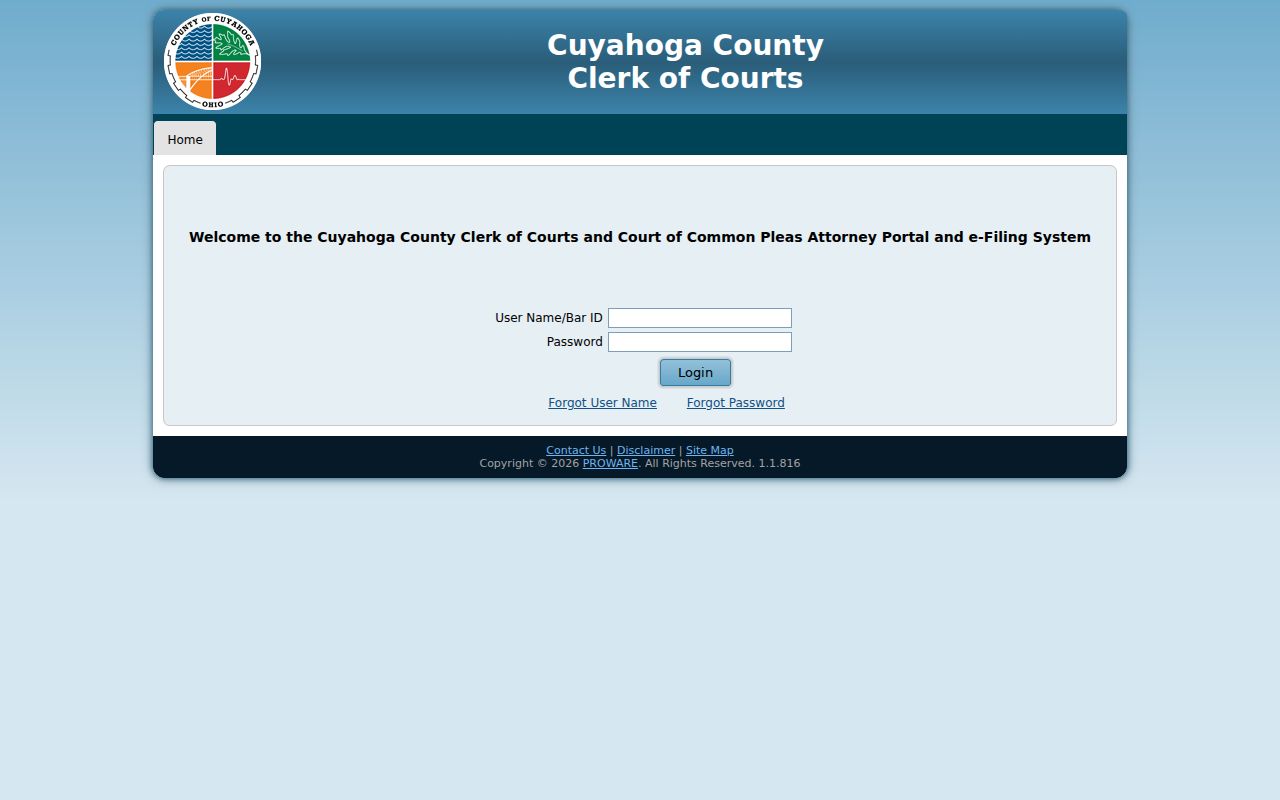
Proware, the Clerk/Common Pleas e-Filing and Attorney Portal, is tied to case management. It is not the general Cuyahoga County public docket. Filings and their associated case information run through the Clerk e-filing portal. Its access rules split public search information from document images. A law-firm support-staff account can view images of the firm's own e-filings. Attorney access is tied to assigned cases.
The Cuyahoga County e-filing portal is the official source page for what comes next.
Domestic Relations works differently. In Cuyahoga County, CourtConnect access follows e-filing approval and a linked case, and the court's guidance allows 24 to 48 hours for review. Probate keeps a separate e-filing and Web Docket gateway. None of those role-based channels turns the public Clerk search into a complete image archive.
Cuyahoga County Appeals Case Searches
Appeals get their own search screens. The Clerk's Case Records Search System offers separate Court of Appeals by Case and Court of Appeals by Name routes. Both serve the Court of Appeals of Ohio, Eighth Appellate District. An appeal usually opens a distinct appellate case. The Cuyahoga County trial-level docket still stands on its own. A notice of appeal is the clue that a separate appellate search is needed. A similar trial entry works the same way.
The Eighth District also posts its own calendar materials. A Cuyahoga County trial docket can keep showing trial-court activity. That can continue even after an appeal is filed. Confirm cross-references with the Clerk or the appellate court. One search screen will never show the complete status of both proceedings.
Two Ways to Search: County and State
Ohio has no statewide public trial-court system for finding an individual Cuyahoga County case. The Ohio Supreme Court's eStats service reports aggregated court statistics. It does not carry case dockets. So a Cuyahoga County search must follow the office that holds the record: the County Clerk for Common Pleas and Eighth District routes, Probate Web Docket for Probate, or the relevant municipal court for lower-court cases.
| Ohio eStats | Cuyahoga County court search |
|---|---|
| Aggregated court statistics | Individual local case and docket routes |
| Requires court, jurisdiction, or judge selections for reports | Uses civil, criminal, appeals, Probate, or court-specific municipal paths |
| Useful for workload context | Useful for locating a Cuyahoga County case, hearing, or record custodian |
Federal court is separate too. The Northern District of Ohio sits outside the Cuyahoga County state courts. Its case records live in PACER and the federal court's CM/ECF environment. They are not in the Clerk's Common Pleas portal. Northern District of Ohio's CM/ECF information is the official source. That page comes next.
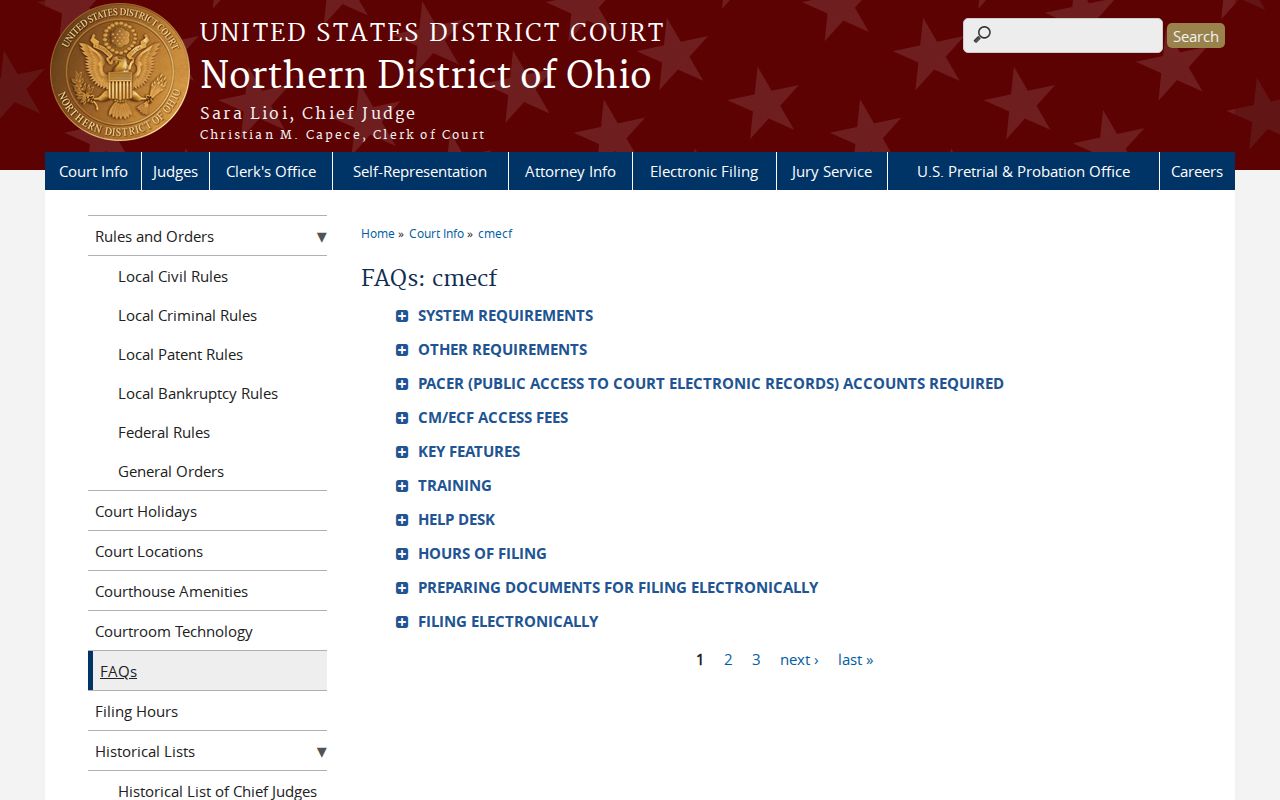
Two systems, in short. A Cuyahoga County state docket and a Northern District federal docket sit with different offices and follow entirely different access paths.
Cuyahoga County Domestic Case Searches
The Cuyahoga County Domestic Relations name and calendar tool accepts First Name, Middle Initial, and Last Name. The court instructs searchers to enter at least three letters of a first and last name, or a company name. There is no public case-number field. Anyone needing a complete record is directed back to the Clerk's system.
Rule 41 allows remote general-docket access through the Clerk. Remote case-document access goes only to parties, attorneys of record, guardians ad litem, appointed parenting coordinators, and appointed custody evaluators in the case. For an official Cuyahoga County date, search first. Then confirm through the court's scheduling or docket channel. An old calendar screen will not settle it.
Cuyahoga County Historic Case Searches
Older Cuyahoga County Probate files call for different expectations. Probate guidance says historical non-marriage cases filed before 1975 require contact with Probate. Older marriage-index results may carry a 1900 year marker. That marker does not represent the actual marriage year. When it appears, the journal and page at court are the evidence that identifies the historic record.
These limits belong to Probate alone. A historic Cuyahoga County case should not be presumed missing just because the current Web Docket or the Clerk's civil, criminal, and appellate routes return nothing.
Which Cases Stay Restricted
Ohio's current Rules of Superintendence presume court records are open. Even so, restricted information can be redacted or withheld. The basis is the applicable rule, statute, or order. The Cuyahoga County web-search limits are specific. The Clerk states that Domestic Violence information is no longer available online. General Division civil stalking-protection-order information is also removed from the web search. Where access is allowed, in-person Clerk access may be the proper next route. The docket-information line can serve the same purpose.
Domestic Relations documents, juvenile matters, protected personal identifiers, and sealed or expunged records can carry narrower access. A missing Cuyahoga County online result does not establish that no record exists. It also does not mean the case was sealed. A party seeking information about a restricted case should contact the Cuyahoga County office holding the record. Searching the public portal over and over will not change the answer.
Access rule: Ohio Rules of Superintendence 11.09 through 11.14 govern court-record definitions, direct access, identifier protection, and restriction processes.