
Cuyahoga County Court Record Requests
Every Cuyahoga County court-record request begins with the basics. Gather the court and the division. Then collect the case number, a party name, and the exact item you want. For Common Pleas and Eighth District matters, the Clerk Case Records Search System is the place to locate the case. A General Division file then goes through the Civil or Criminal Clerk. Probate has its own Web Docket and copy workflow. Juvenile and municipal cases run through their separate courts. No statewide Ohio portal for individual cases replaces these local clerks.
- Identify the Cuyahoga County court and locate the exact case number in the local docket or case search.
- Name the requested item, such as a docket, filed document, judgment entry, plain copy, certified copy, or transcript.
- Use the responsible Cuyahoga County online request path, clerk counter, phone channel, email route, or Probate mail process documented for that record.
- Provide enough detail for the clerk to locate and review the record, then follow the custodian’s payment instructions.
- Confirm whether a plain, certified, or exemplified Cuyahoga County copy is needed before the request is completed.
The Common Pleas Clerk accepts public-record requests orally or in writing. You do not have to give your identity or your reason for asking. The request simply has to be clear enough for staff to locate the record.
Cuyahoga County Court Copy Routes
Where you go depends on the material. The Cuyahoga County Clerk public-records policy lays out inspection, copies, and a records channel. All of it applies to anything in the Clerk’s custody. General Division civil papers go to the Civil Clerk counter. Criminal papers go to the Criminal Clerk counter. If a response estimate is needed, the policy is clear. The Clerk strives to acknowledge the request and give an estimate within three business days. Cost or postage may have to be paid up front.
The Clerk’s Cuyahoga County public-records page states the official rules. Those rules govern requesting and copying this material.
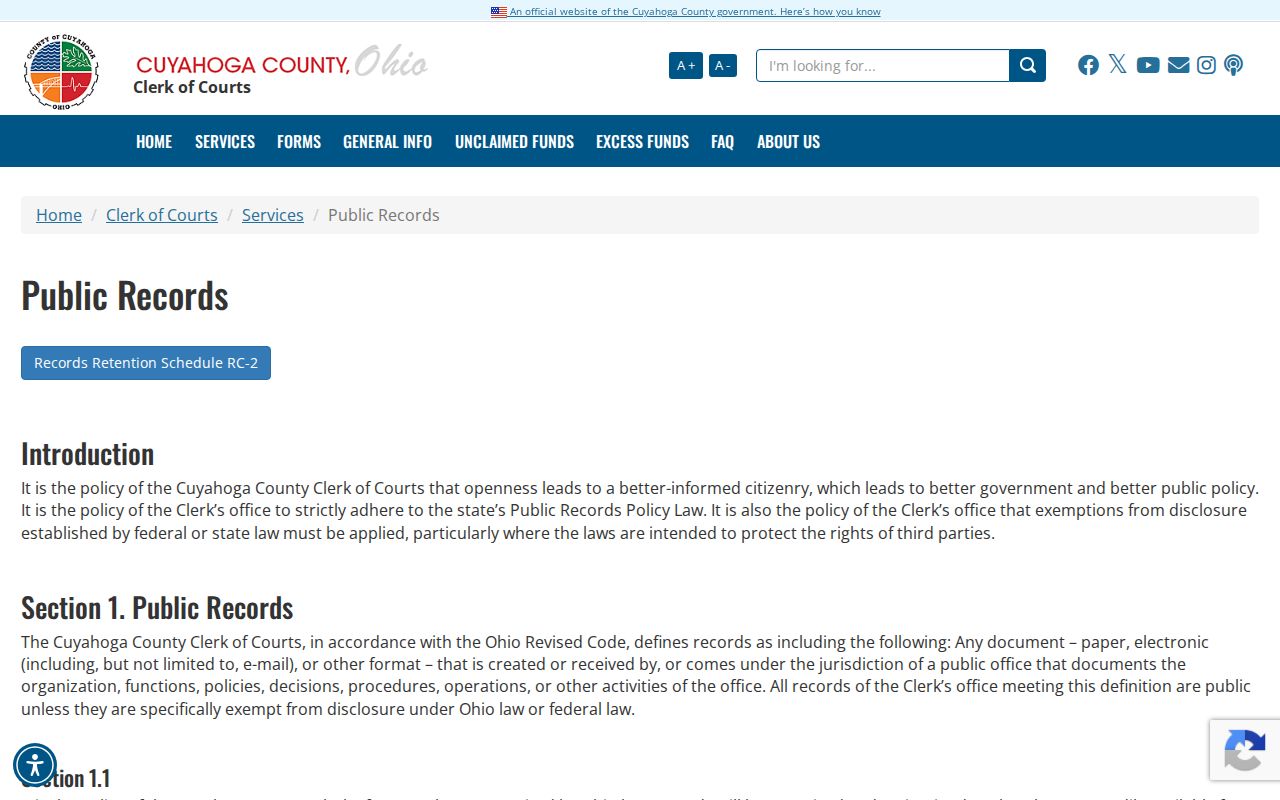
The lesson is simple. Name the record you want, not just the case topic. The Clerk public-records email is coccfr@cuyahogacounty.gov, though a specific court-file copy usually moves faster through the clerk’s own copy route.
Kinds of Court Records
Not every court record is the same thing. The docket is a chronological index. It shows each event and each setting in the case’s path. A filed document sits underneath a docket entry: the pleading, exhibit, order, or judgment itself. A certified copy adds the custodian’s certificate and seal. Which one you request depends on what you need and which court holds the case.
- Common Pleas civil and criminal general dockets, filings, judgments, and certified Clerk copies.
- Domestic Relations general docket information and, where permitted, case-file documents through the Clerk.
- Probate case summaries, docket/index entries, full case copies, and Probate-certified or exemplified copies.
- Municipal-court traffic, misdemeanor, small-claims, and limited civil files held by the individual municipal court.
- Juvenile records governed by that court’s access rules and applicable statutes.
Cuyahoga County does not keep court records in one place. Common Pleas, Probate, Juvenile, and the municipal courts all run their own docket systems. Each has its own clerk. The county’s size explains the volume. Size never tells you which clerk to call.
The Census Bureau’s Cuyahoga County profile provides the county population figures shown alongside this page.
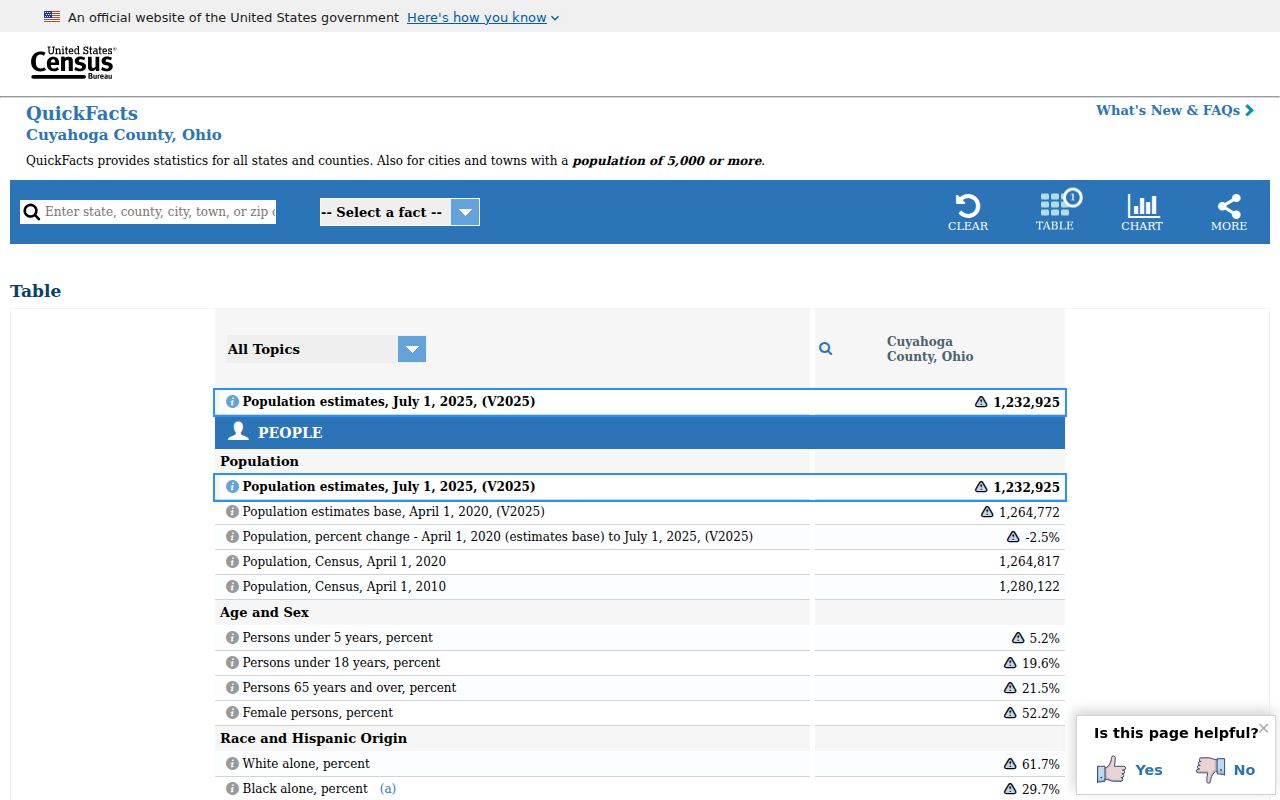
That profile backs up the routing point. Cuyahoga County record access starts with the court and clerk named on the case, not with a broad county search.
Cuyahoga County Probate Court Records
Probate runs its own Cuyahoga County Web Docket. For eligible adversarial, estate, guardianship, civil-action, and trust cases, the case summary can include a Request Full Case Copy link. Regular photocopies may be printed straight from an available docket-entry image. Regular, certified, and exemplified copies each follow the court’s own workflow instead. The court reviews the request first. Then it contacts the requester about payment. Copies are made once payment clears.
Probate’s Cuyahoga County public-records explanation sets out these copy rules in the court’s own words.
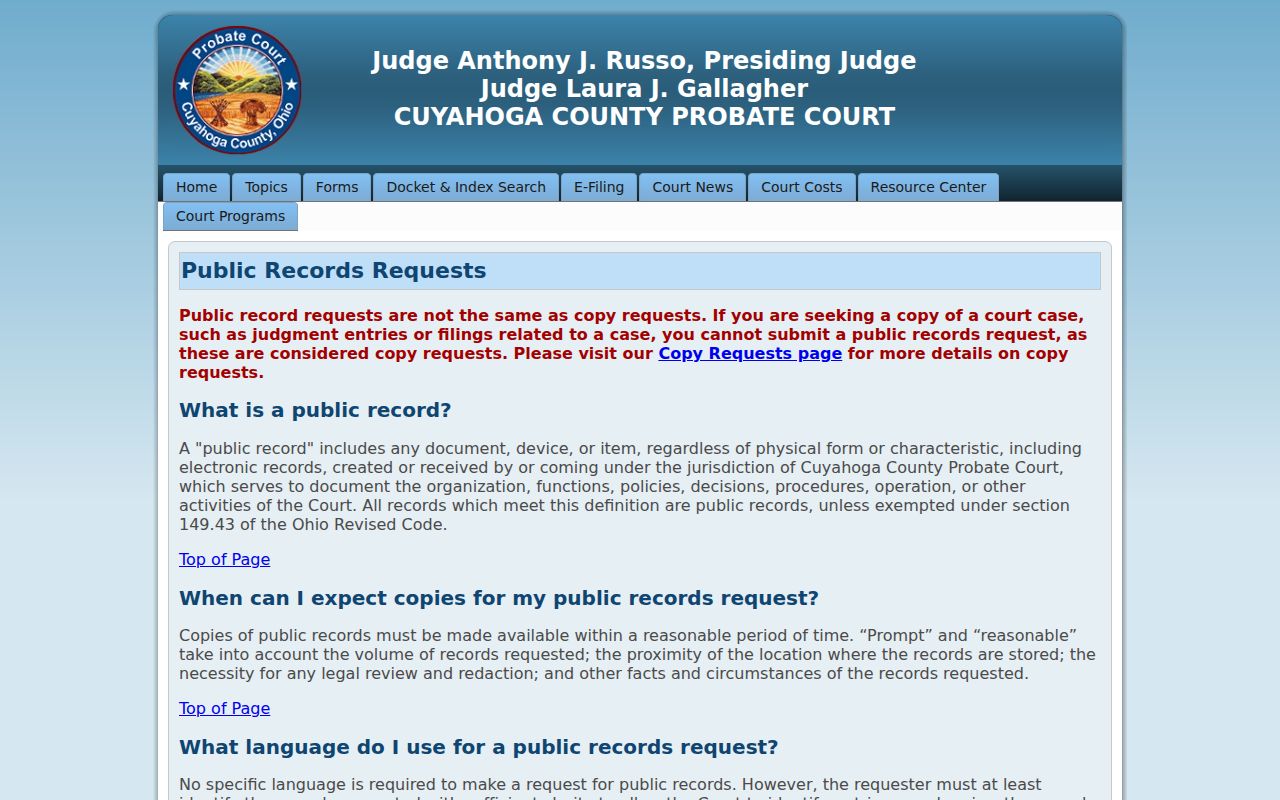
Probate draws a clear line between two processes. Copies of court-file judgments and filings are copy requests. An administrative Probate public-record request is something else entirely. Payment for its workflow can be credit card, cashier’s check, money order, or cash, but never a personal check. Its certified marriage-copy mail process quotes a two-week turnaround for that record alone.
Court Records: What They Contain
A Cuyahoga County case file holds more than the docket screen shows. The docket lists the recorded events and settings. Pleadings lay out each party’s claims or requests. Orders and judgment entries record what the court directed. The file can also contain exhibits, service material, and costs information, all subject to the restrictions tied to the case and document type.
| Case number | The Cuyahoga County court’s identifier, often using the Clerk’s category, year, and sequence convention. |
|---|---|
| Caption and parties | The case title and party information used to distinguish the file. |
| Docket | Chronological filings, orders, service activity, settings, and status-related entries. |
| Filed documents | Pleadings, motions, orders, judgments, and other items associated with docket entries where accessible. |
| Certification | A Clerk or court certificate and seal, different from an ordinary printed portal page. |
Transcripts are a different animal. For a Cuyahoga County transcript, go through the court reporter channel, not the Clerk’s document-copy pricing. Domestic Relations lists Court Reporters at 216-443-8852. No transcript fee or turnaround appears in the materials the court provides.
Cuyahoga County Domestic Court Records
Domestic Relations shows the gap between a Cuyahoga County docket and the images behind it. Local Rule 41 names the Clerk as official custodian. It allows remote general-docket access through the Clerk search. But remote case-document access is limited. Only parties, attorneys of record, guardians ad litem, appointed parenting coordinators, and appointed custody evaluators in that case qualify. Paper records are converted to electronic form. Electronic pleadings and documents are the official version under the local rule. So a public Cuyahoga County case search can show the docket while the image behind an entry stays restricted. Requests to view a Domestic Relations case file go through the Clerk.
Copy Fees and Certification
Copy fees follow the clerk who holds the file. Never assume the Common Pleas Clerk’s charges apply to Probate or a municipal court. For a case in the Cuyahoga County Clerk’s custody, the court-cost schedule separates an ordinary copy from a certified copy and an exemplification. Probate reviews eligible full-case-copy requests before quoting payment. Each municipal court sets its own current copy schedule.
| Common Pleas Clerk item | Amount | Source note |
|---|---|---|
| Ordinary copy | $0.03 per page | Without certificate or seal under the Clerk court-cost page. |
| Certified copy | $1.00 per page | Includes certificate and seal. |
| Exemplification or triple seal | $1.00 | Listed as an additional Clerk certification charge. |
| Legal Division public-record copies | No charge under 33 pages; $0.03 per page over 33 | Clerk public-records policy. |
Note: A Cuyahoga County court file must be requested from the office that holds it. Confirm the current fee with that office before sending payment.
Cuyahoga County Court Record Timing
No single deadline covers every Cuyahoga County records request. The Clerk's policy promises prompt inspection and copies within a reasonable time. It also sets a practice of acknowledging a request promptly. The estimate comes within three business days. Expect a longer wait when staff must review, copy, certify, or mail the file. Locating a case in a public docket is the fast part. To cut delays, a Cuyahoga County requester should give the exact court. Include the case number, the filing date when known, the document title, and the copy type wanted.
Probate handles full-case copies through its own sequence. You submit from the case summary first. Staff review comes next. Then you get payment information, and the copy arrives after payment clears. The Probate guidance states a two-week mailed turnaround for certified marriage-license copies only. That timeline does not govern every Probate or Cuyahoga County court file. Treat it as limited to that one record type.
Cuyahoga County Federal Court Records
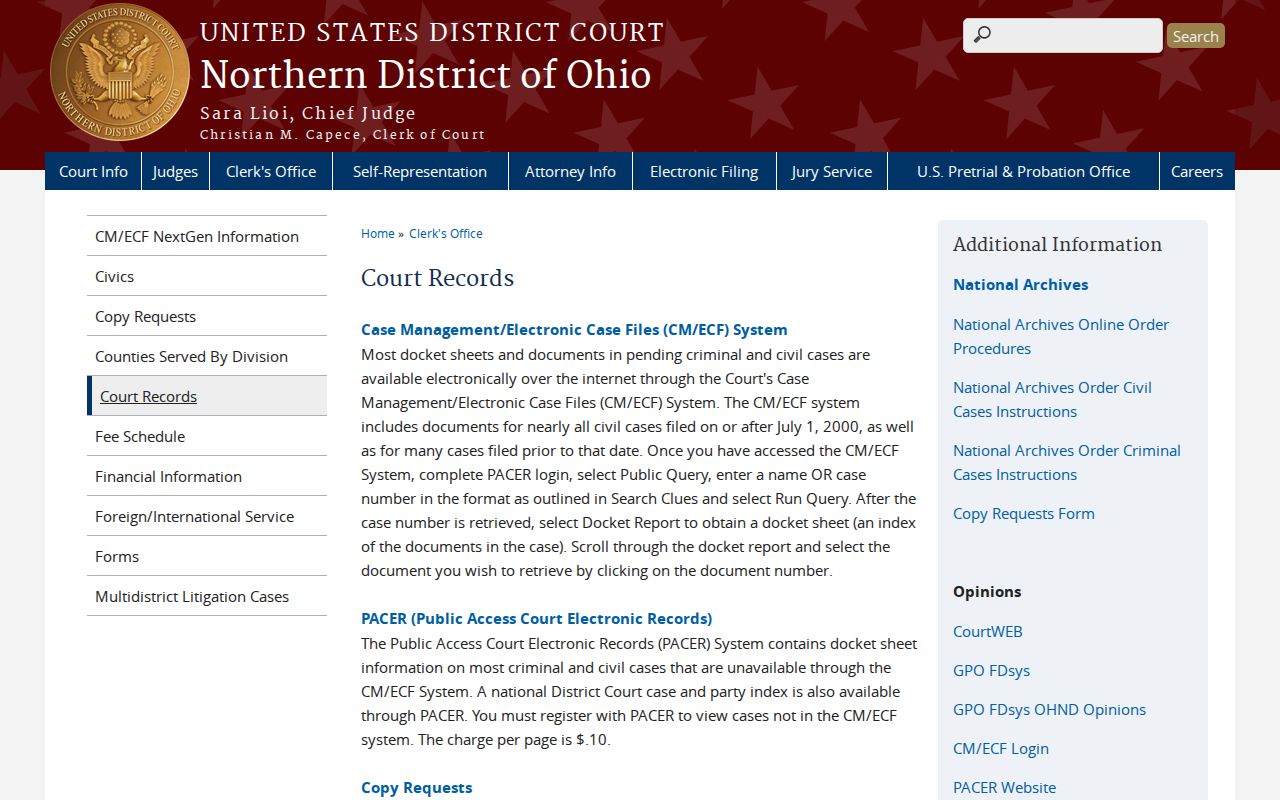
Federal cases tied to Cuyahoga County never land in the County Clerk's state-court files. The U.S. District Court for the Northern District of Ohio runs its own systems. Case management happens through CM/ECF. Public docket and document access runs through PACER, which requires an account. The court's case-number or name query is a separate route. That holds even when the facts arose in Cuyahoga County.
Northern District of Ohio CM/ECF court information posts the court's official details. That helps anyone comparing Cuyahoga County records sources.
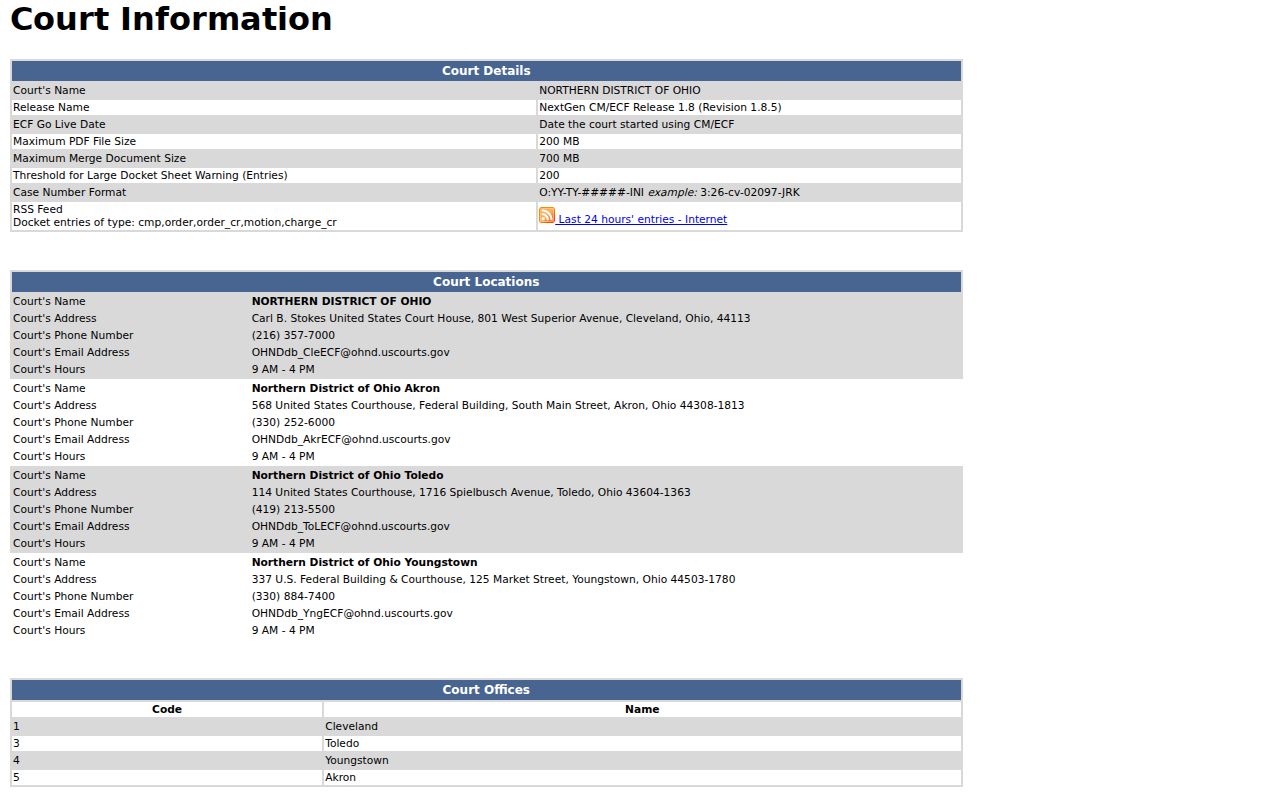
That page separates systems people often mix up. Common Pleas and municipal records stay with their Cuyahoga County offices. Federal records rely on the federal court's own tools.
Northern District court-record instructions lay out how the federal side handles access.
Need to verify a Cuyahoga County state-court case? Go back to the state clerk or court where it was filed, and don't rely on a federal docket search as a substitute.
Access Rules for Court Records
Cuyahoga County court records answer to the Ohio Rules of Superintendence. Each court adds its own access rules. No rule promises that every document image shows up online. Rules 11.10 through 11.12 govern direct access and reasonable response. R.C. 2303.12 puts the Common Pleas Clerk in charge of the general docket. That statute also requires certain criminal information to be posted online. Exceptions apply. Domestic Relations general dockets get different treatment under the same statute.
Ohio access authorities: Rules of Superintendence 11.09 through 11.14 address public access, identifiers, and restrictions. Ohio Public Records Act, R.C. 149.43 governs public-record inspection and copies, while court-file access also follows court-record rules and local policy.
Sealed, expunged, juvenile, Domestic Relations, and personal-identifier material may be missing or restricted. A blank Cuyahoga County web search proves nothing either way. Contact the court or clerk holding the original file next.
Cuyahoga County Clerk of Courts
Justice Center
1200 Ontario Street
Cleveland, Ohio 44113
Civil: 216-443-7950
Criminal: 216-443-7999
Docket information: 216-443-7974
Use the Clerk route for Common Pleas General Division records; Probate, Juvenile, and municipal courts keep separate files.