
Cuyahoga County Civil Docket Searches
Most civil cases in the General Division of Common Pleas run through the Cuyahoga County Clerk of Courts Case Records Search System. That portal offers several routes. They include Civil Search By Case, Civil Search By Name, Foreclosure Search, and Submitted E-Filing Complaints. Pick the one that fits your situation before you type anything. Ohio has no single statewide portal for trial-court cases. The county system is where a Cuyahoga County civil docket search begins.
Got a case number? Use the CV prefix with its year and number parts. No number, no problem. Search by party name instead, then narrow the results with category, year, and party role. An online record can leave out images and documents. So confirm against the Clerk's direct channel when you need the official file.
- Open the Clerk search and select the civil, foreclosure, or submitted-complaint route that matches the matter.
- Search by a CV identifier when known, or enter a party name and then refine with the available category, year, and role.
- Open the matching civil docket and read the entries in date order, including service, motions, and the next setting.
- Confirm a near-term date with the court or Clerk, especially when an order or new scheduling entry appears.
- Ask the Civil Clerk for a plain or certified copy when the exact document is required.
Cuyahoga Civil Search Categories
Cuyahoga's civil search menu is bigger than one box labeled civil. The Clerk breaks it into Board of Revisions, Civil, Domestic Relations, Garnishment, Judgment Lien, Miscellaneous-Claims, and Special Docket. A separate route exists just for foreclosure. These are navigation tools. They do not settle anything about the merits of a case.
Party-role filters help too. The live system lets you pick from many roles. Choices include plaintiff, defendant, petitioner, respondent, creditor, debtor, garnishee, receiver, relator, or guardian ad litem. A role is simply the capacity recorded for that party in that case. Choosing the right one can cut down same-name clutter. It does not pretend a category is a final legal classification.
Case year works a bit differently. The Clerk shows current and historical calendar-year choices. But a year filter is not a filing-date range. Start with case type, then narrow by role and year. One broad name search is not a countywide civil index.
Note: the Submitted E-Filing Complaints route covers newly received non-confidential complaints only. It is not the final quality-assured court record.
Civil Dockets: What They Show
Think of a Cuyahoga civil docket as the running diary of a case. It lists the case identity and parties. It also lists the complaint or petition that opened the file, service, any answer or appearance, motions, hearing notices, orders, and dismissal or judgment activity. Several record structures sit behind it. These include the general appearance docket, the civil journal, and the special-cases docket. So read a one-line status as just one line. The full file usually tells more.
| Case identity | CV category, year, and number, plus the route or classification used to find it. |
|---|---|
| Parties | Caption and role information, including plaintiff, defendant, petitioner, respondent, creditor, or debtor where applicable. |
| Case activity | Complaint or petition, service, appearance, motion, notice, order, and subsequent filing entries. |
| Settings | Case-management, motion, status, pretrial, or trial-related dates that need timely confirmation. |
| Resolution | Dismissal, judgment, or post-judgment record; read the associated entry rather than rely only on a status word. |
Costs are not the merits. Probate's Web Docket, for instance, keeps Costs and Events on a tab separate from the Docket tab. That layout is a good reminder: not every field on the screen is a ruling.
Cuyahoga Civil Record Paths
One General Division search will not cover everything civil in Cuyahoga County. Big-money disputes sit with Common Pleas. Municipal courts keep limited civil dockets. Their territory decides where a case belongs. The Ohio court system caps those disputes at $15,000. Probate runs its own docket and its own copy process. Domestic Relations has a separate division with its own rules for remote documents.
The Domestic Relations Court home page opens the door to that division's services. For a Domestic Relations case, the name calendar tool adds to the Clerk record. It never replaces it.
Cuyahoga County Domestic Relations Court lays out division access and court information on its site.
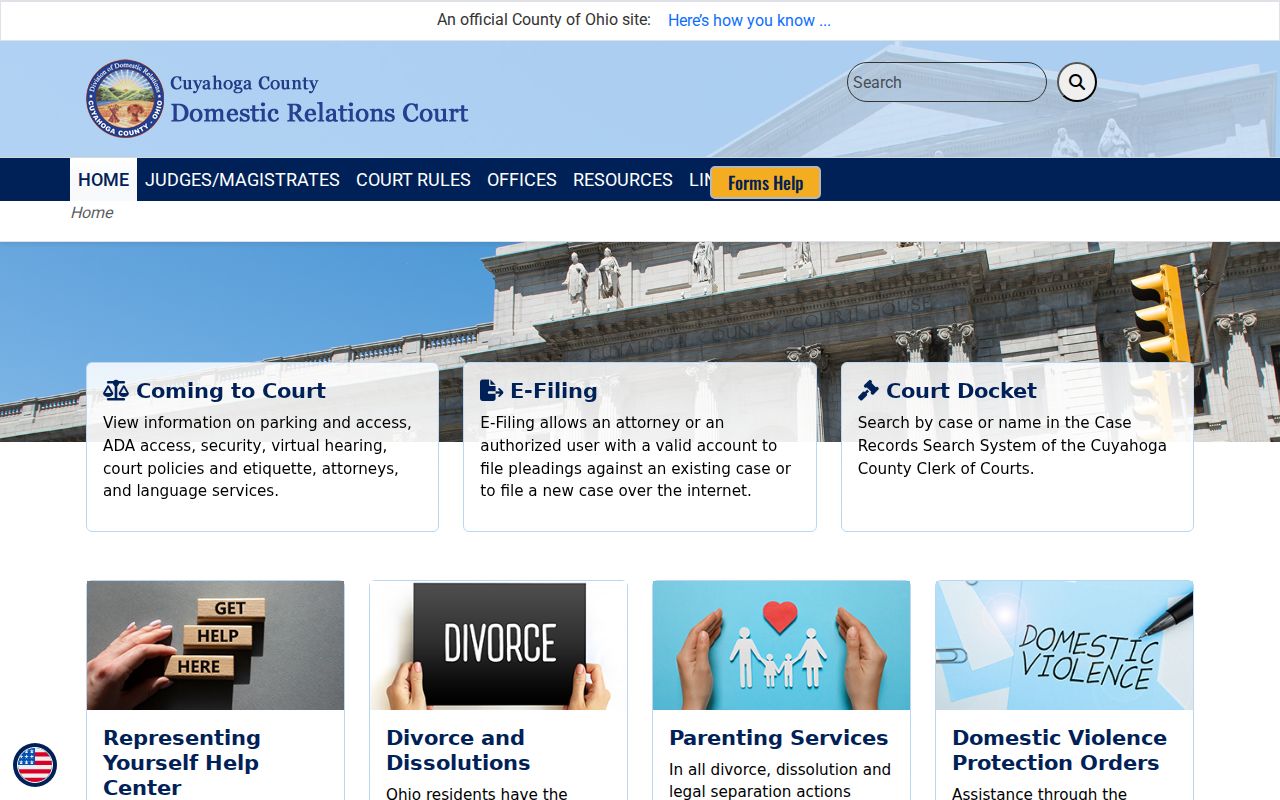
That separate division channel shows why any Cuyahoga civil docket search must begin with the right court custodian.
What Cases Fill the Civil Docket
The Clerk's categories and the court structure reveal the paths a civil case can take in Cuyahoga County. General Division records may include civil, foreclosure, garnishment, lien, miscellaneous-claims, and special-docket activity. Domestic Relations, Probate, and the municipal courts each keep records in their own systems. Case type drives both the correct search route and the rules for getting access to the court records.
- Common Pleas civil cases using the Civil Search By Case or Civil Search By Name route.
- Foreclosure matters using the dedicated Foreclosure Search route.
- Garnishment, judgment-lien, Board of Revisions, and special-docket categories displayed by the Clerk.
- Domestic Relations matters, which may have a Clerk docket plus division-specific access limits.
- Probate matters, which use the Probate Web Docket and its own copy workflow.
- Limited civil matters held by the municipal court with territorial jurisdiction.
Cuyahoga Civil Filing Status
Foreclosure belongs in its dedicated Clerk route, not a general party query. Submitted E-Filing Complaints deserves the same caution. Per the Clerk, those new non-confidential complaints show up right after receipt but before quality review is finished. If a complaint is compliant, the filed version appears later on Case Information Online.
That order matters when you are tracking an early court event. Submission, clerk review, and a filed docket entry are related but distinct stages. A missing or returned item does not mean a final result. When filing status truly matters, trust the court docket and Clerk confirmation.
Hearings on the Civil Docket
Labels on a civil docket tell you how a case is being managed. A case-management conference, usually called a CMC, handles scheduling and management questions. It is not a trial date. On the Common Pleas commercial docket, one judge's stated practice sets an initial CMC automatically about six weeks after filing. That timing gives room for service. The judge then builds a scheduling order from there. That is one judge's local practice. It is not a rule that applies to every assigned judge.
Later docket entries may add a status conference or a motion hearing. A final pretrial, a trial setting, or a new order can appear too. Written continuance requests should reach the court in advance. A continuance? That call belongs to the assigned judge. The follow-up docket or the resulting order shows the outcome, and the Court Schedule reference helps when a setting needs a court-specific confirmation path.
Cuyahoga Civil Clerk Copies
The Civil Clerk counter is on the first floor of the Justice Center, 1200 Ontario Street, Cleveland, Ohio 44113, and the civil line is 216-443-7950. The Common Pleas contact directory lists the court and Clerk contacts. A copy request should identify the court, case number, document, and the type of copy needed.
The Clerk's court-cost schedule lists ordinary copies at $0.03 per page without certificate or seal and certified copies at $1.00 per page, including certificate and seal. These fees are for Clerk copies, not an estimate of transcript costs or Probate's separate request process.
The Clerk's court-cost schedule is the official source for civil copy charges.
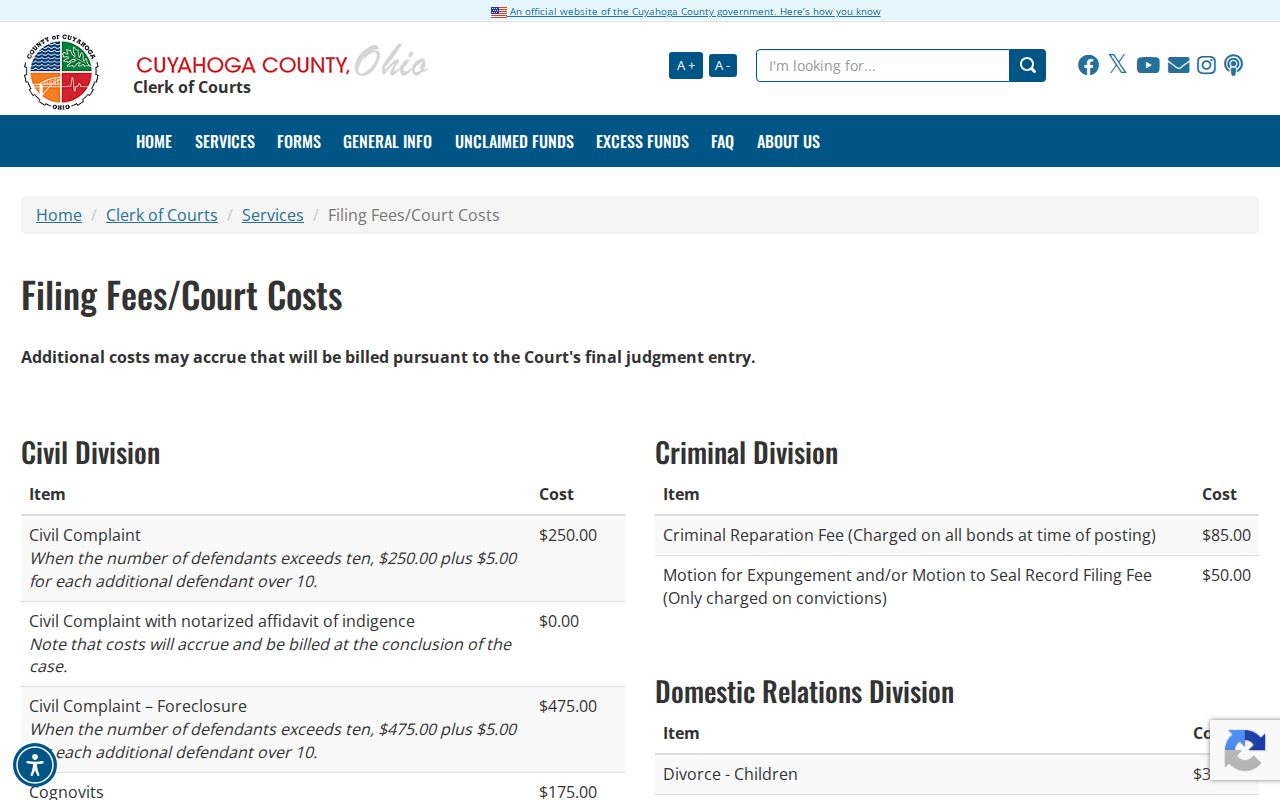
A case number pulled from the civil docket makes a copy request far easier. It lets the Clerk go straight to the right file.
Who Can See Civil Dockets
Ohio Rules of Superintendence 11.10 through 11.12 apply here. They presume that court records are open to the public. Access in practice can vary. Remote images may not match what direct access shows. The Clerk's portal is a convenience, and it can omit documents. When a specific filing or judgment in a Common Pleas case matters, direct Clerk access or a copy request works better than a broad records request.
Domestic Relations Rule 41 draws the local line sharply. Remote general-docket access runs through the Clerk system. Remote access to case documents goes only to parties, attorneys of record, guardians ad litem, appointed parenting coordinators, and appointed custody evaluators in the case. Health, financial, custody, evaluation, safety, and identifier details may be restricted.
Access Rules:
Ohio Rules of Superintendence 11.10-11.12 set the baseline for public access while allowing limits on remote availability.
Domestic Relations Rule 41 distinguishes remote docket visibility from access to case-document images.
Ohio Revised Code 2303.901 requires protection of defined personal identifiers in filed case documents.
Rule 41 is the official local source for the Domestic Relations access distinction.
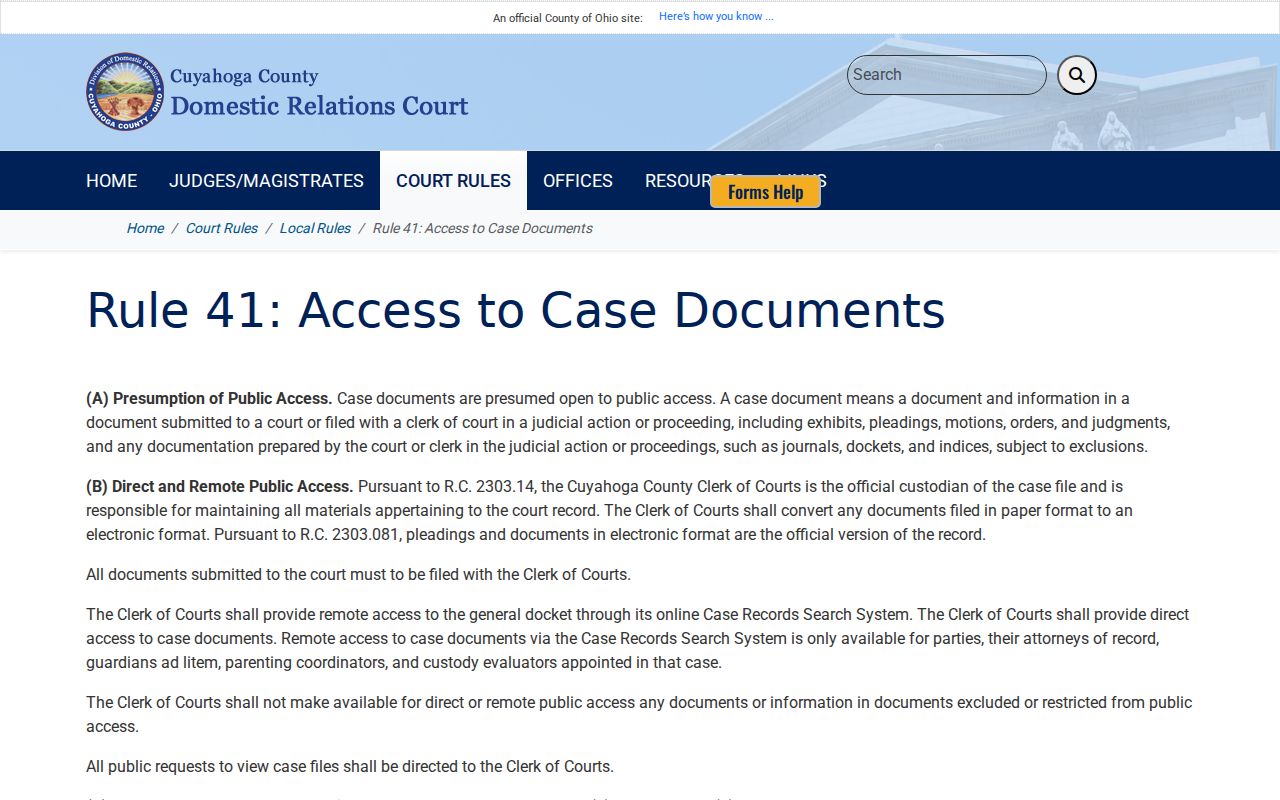
That rule explains the gap: a docket entry can be publicly searchable while its document stays off-limits remotely.
Cuyahoga Civil Probate Copies
Probate runs its own Web Docket and its own copy workflow. Not every case qualifies. Adversarial, estate, guardianship, civil-action, and trust cases are the eligible ones. The case summary may include a Request Full Case Copy link. Probate reviews the request first. Payment is collected before copies are made. Regular, certified, and exemplified copies are all available. These court-file copies are distinct from an administrative public-record request.
Probate's copy-request instructions cover the formats and the payment procedure. The matter may sit inside a broader civil case. Even so, this is the right route for a Probate record.
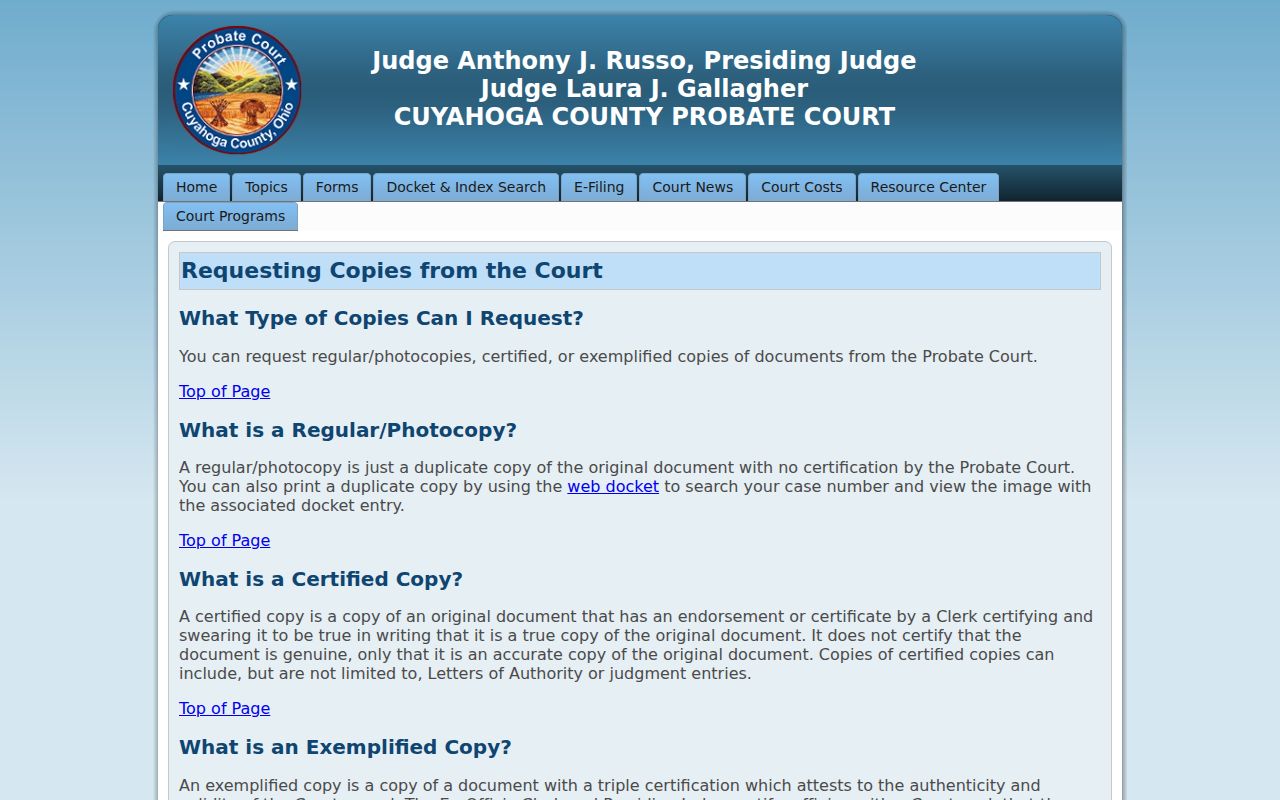
Keeping Probate separate protects three distinct things: a civil docket search, a filed document, and a certified copy from the office holding the record.
Note: A missing portal image should be raised with the responsible court, not read as a conclusion about the case.